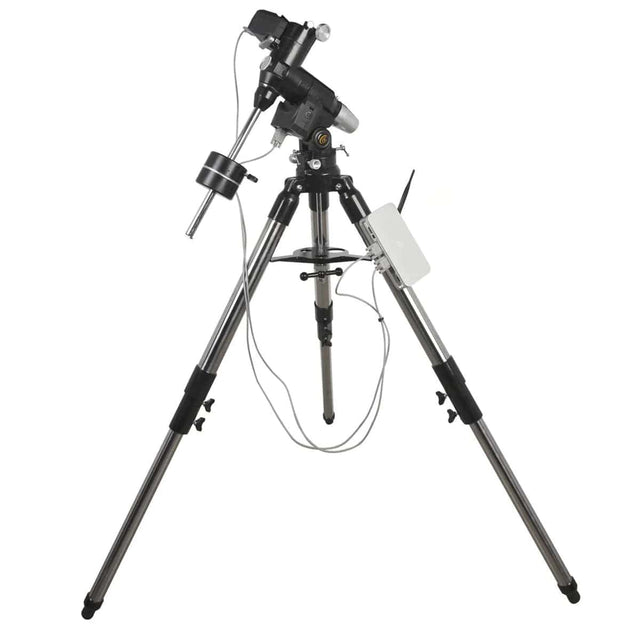
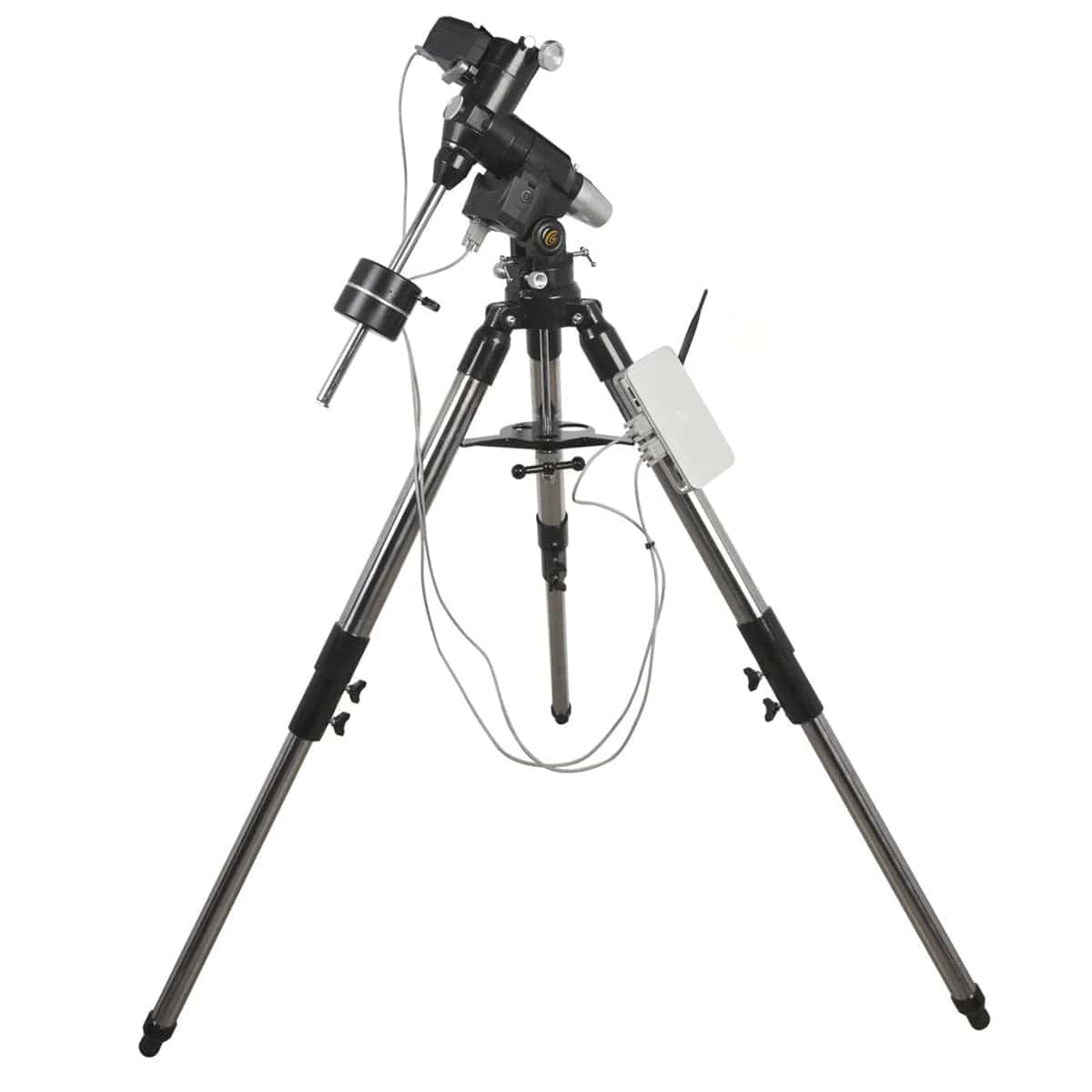


Explore Scientific EXOS2-GT Equatorial Mount with PMC-Eight GoTo System
Explore Scientific EXOS2-GT Equatorial Mount with PMC-Eight GoTo System is backordered and will ship as soon as it is back in stock.
Shipping & Returns
Shipping & Returns
We offer free US standard shipping on orders over $99 and 30-day returns on most items. Some limitations apply.
Shipping Policy
30-Day Return Policy

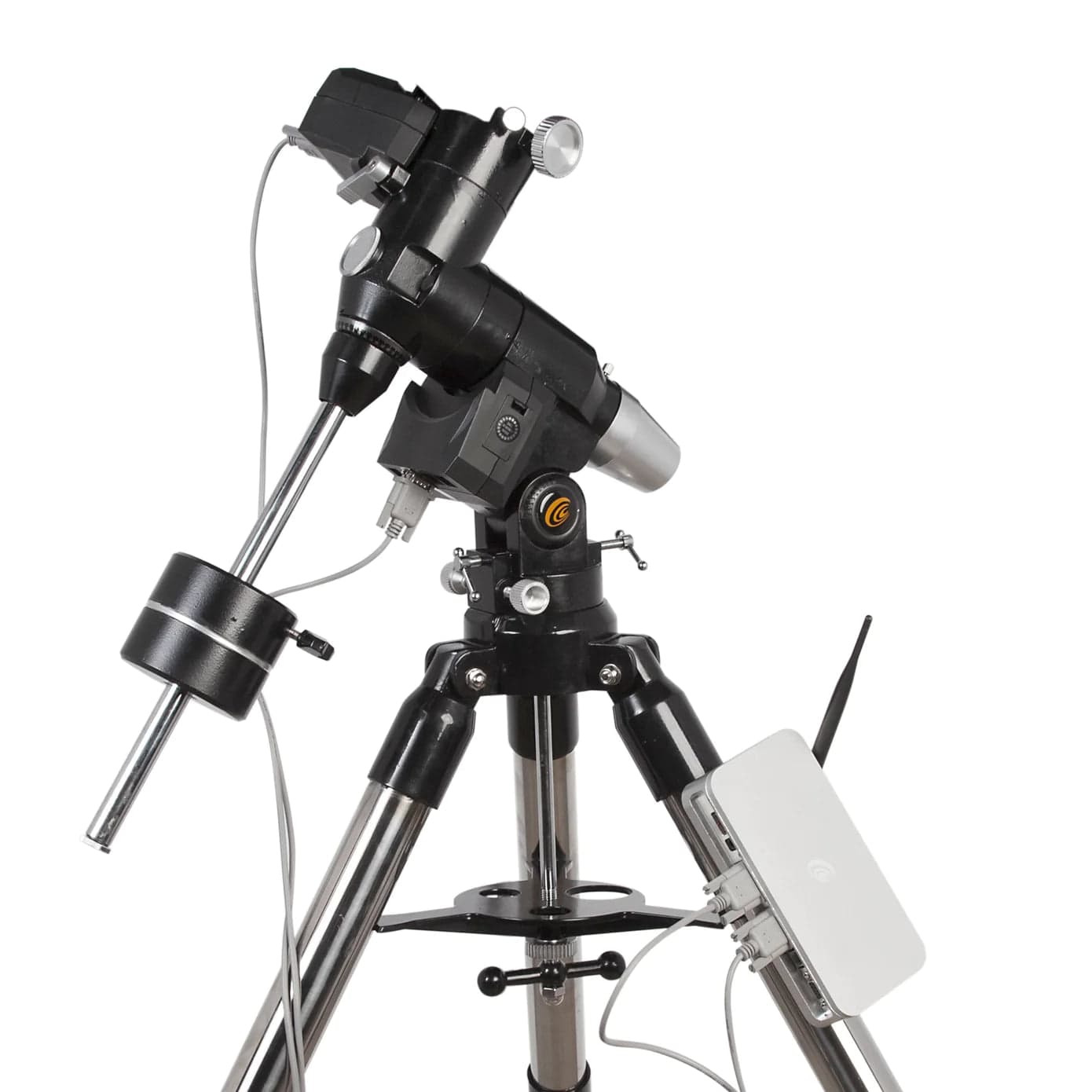
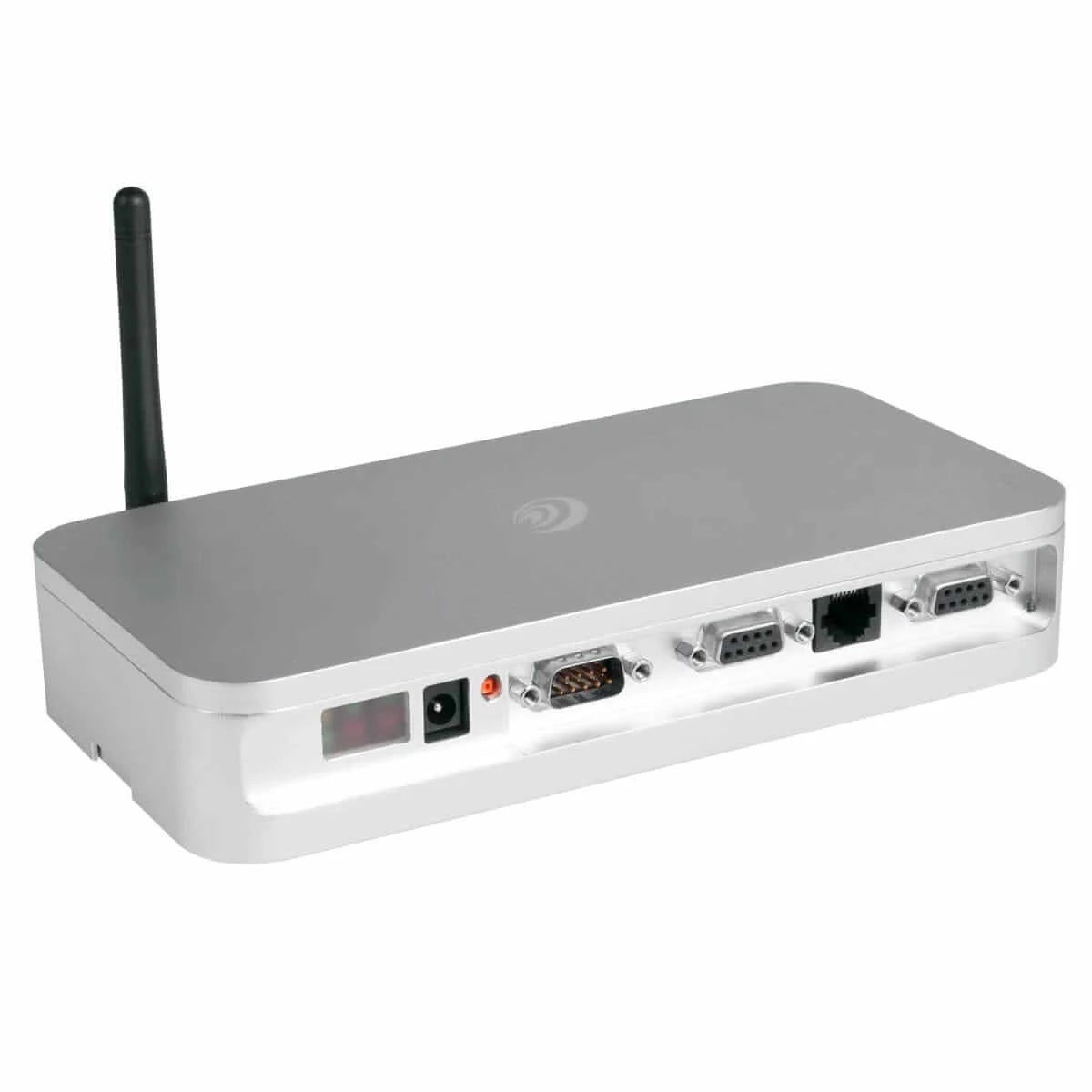
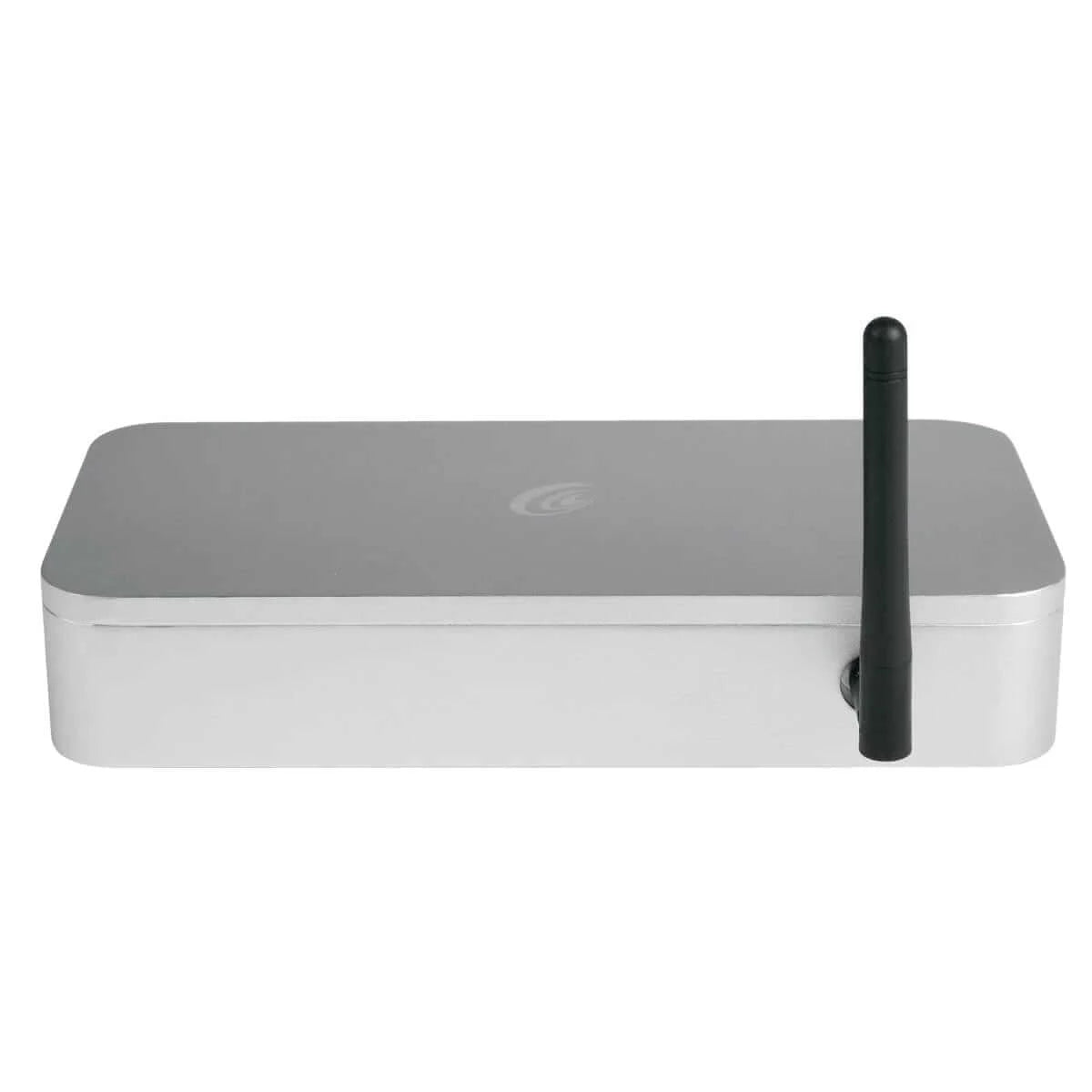
Moving up to a bigger telescope usually means moving up to a bigger equatorial mount. Explore Scientific rates the EXOS2-GT (also written EXOS-2GT) for 28 lb of instrument for astrophotography and 40 lb for visual use, plus counterweights, on a 13.4 lb head and a 13 lb tripod, and its PMC-Eight GoTo controller drives it over Wi-Fi and Bluetooth from a tablet, phone or computer.
Key Features
- Payload. The imaging figure is lower because added weight beyond a certain point increases tracking error, such as periodic error. Both figures exclude the counterweights, and two 11.25 lb counterweights come with the mount. Carbon fiber telescopes may need a lighter one.
- Belt-driven stepper motors. Explore Scientific chose steppers over DC servo motors because they can take heavy strain without damaging mechanical or electronic components.
- PMC-Eight controller. Eight CPUs operate independently, each on its own task. It has 64 Kbyte of non-volatile EEPROM memory and conformal-coated electronics against dust, moisture and corrosion. The box has an ST4 autoguider port, a DB9 serial port and a 12 V DC input.
- Point mode. After a 2-star or 3-star alignment, Point mode updates both axes five times a second to hold the target, so tracking stays accurate without an exact polar alignment, though field rotation still limits exposure length. When autoguiding through the ST4 port with ExploreStars, use Track mode.
- Software. Explore Scientific recommends Envision the Heavens for GoTo observing on Android, Windows or a browser-based PWA path. Windows imaging programs such as NINA, SharpCap and Stellarium connect through ALPACA or ASCOM, and KStars/Ekos on Linux, Raspberry Pi and macOS through INDI. ExploreStars is the legacy option.
- Wired control. The ASCOM driver also works over a cable; Explore Scientific's Dual plug cable connects the EXOS2-GT with PMC-Eight to a computer's USB port.
- Polar alignment. The mount ships with a polar finder scope installed. Level the tripod with the included bubble level, set your latitude on the dial and finish with the azimuth knobs; for precision, use the drift method. Southern Hemisphere users will need a crosshair reticle eyepiece.
- Tripod. Stainless steel with 2-inch legs, extending from 26.8 to 42.5 inches.
Who It's For
- Imagers moving up from a tracker. The iEXOS-100-2 is rated for about 9 lb of equipment. The EXOS2-GT carries an ED127 Essential Series (18 lb) with 10 lb of its imaging rating to spare, or an ED80-FCD100 (7.5 lb) with 20.5 lb to spare. Our comparison of the iEXOS-100-02, iEXOS-ET and EXOS2-GT sets the three side by side.
- Visual observers with a heavier telescope, using the 40 lb visual rating.
- Imagers who run the session from a computer, through ALPACA, ASCOM or INDI, with an autoguider on the ST4 port.
- Tinkerers. The PMC-Eight's code is open source, and developers can join Explore Scientific's OpenGOTO community.
Accessories & Compatibility
- Power. An AC adapter is included. Away from an outlet, Explore Scientific's USB Power Bank is rated for about 8 hours on an EXOS 2.
- More counterweight. Explore Scientific's 5 lb counterweight fits EXOS mounts.
- Your device. The tablet, phone or computer is sold separately.
-
Weight
-
Mount Design
-
Mount Operation
-
Max Load
-
Other Details
-
Warranty
-
Item Number
Payment & Security
Payment methods
Your payment information is processed securely encrypted during transmission. We do not store credit card details nor have access to your credit card information.